AI Agents: Join the Club
You walk in with a Windows laptop. You walk out with an AI workstation -- and the skills to use it.
No experience needed. 2 days in-person + follow-up morning + virtual session at Spaces Liberty Village, Toronto.
Maximum 8 seats per session
Sound Familiar?
- You spend hours every week on proposals, emails, and admin that should be faster
- You tried AI tools and thought "this is cool, but how do I actually use this?"
- You are not a programmer and you do not want to become one
- You want to walk out with tools working on your laptop, not just ideas in your head
What You Get
A Fully Configured AI Workstation
Claude Code, CC Director, and 14 purpose-built CC Tools (10 core + 4 advanced) -- installed, configured, and running on your laptop before you leave Day 1. All free and open-source. Yours to keep.
7 Real Business Scenarios
Financial reconciliation, proposal writing, research projects, website audits, training manuals, software setup, and full tool demos. Every scenario produces something you can use.
A Personal Playbook
3 workflows tailored to YOUR business that you build during the workshop and take home. Not theory -- actual automation running against your real work.
Included With Every Seat
The Director -- Free, Yours to Keep
A desktop app that runs your AI sessions and 20+ productivity tools. Transcription, PDF generation, email, web research, image generation -- all managed from one screen. No subscription, no expiration.
The Breakfast Club
Workshop graduates join a bi-weekly morning meetup (every other Wednesday, 9-10 AM) where members share wins, troubleshoot, and keep pushing each other forward. Ongoing membership included.
The Members Chat
A private online group where you can ask questions between meetings. Stuck on something at 2 PM on a Thursday? Post it. Get help from Soren and other members who have solved the same problem.
What You'll Produce
These are real outputs from the workshop scenarios -- not mockups. You will build these yourself during the course.
Professional PDF Proposal
Give the AI a few bullet points about a prospect. Get back a formatted, branded proposal ready to send. Takes about 90 seconds.
Training Manual + Checklist
Point the AI at a video or set of notes. It produces a step-by-step manual with a matching checklist, formatted as a PDF.
Bookkeeping Spreadsheet
Hand it bank statements and receipts. It reconciles the data and produces a clean spreadsheet with categories, totals, and flagged mismatches.
Website Audit Report
Give it any website URL. It audits SEO, security, structured data, and AI readiness. Produces a graded report with actionable recommendations.
Ready to build these yourself?
Reserve Your SpotHow the Workshop Works

Your AI Assistant is Ready
Install everything. Learn how to give instructions that get real results. Tour every tool. Produce your first professional PDF. Go home with a working AI assistant. (9:00 AM - 4:00 PM)
Make It Do Real Work
Process financial documents. Run a research project. Turn a video into a manual. Audit a live website. Build your personal playbook of 3 workflows. (9:00 AM - 4:00 PM)
Sharpen and Expand
One week later. Review what you have built. Troubleshoot. Advanced techniques and multi-session power. Leave with everything running smoothly. (9:00 AM - 12:00 PM)
Final Check-In
Two weeks after Day 1. Lingering questions, advanced tips, and orientation to The Breakfast Club. 60-90 minutes on Teams. (11:00 AM - 12:30 PM)
About Your Instructor
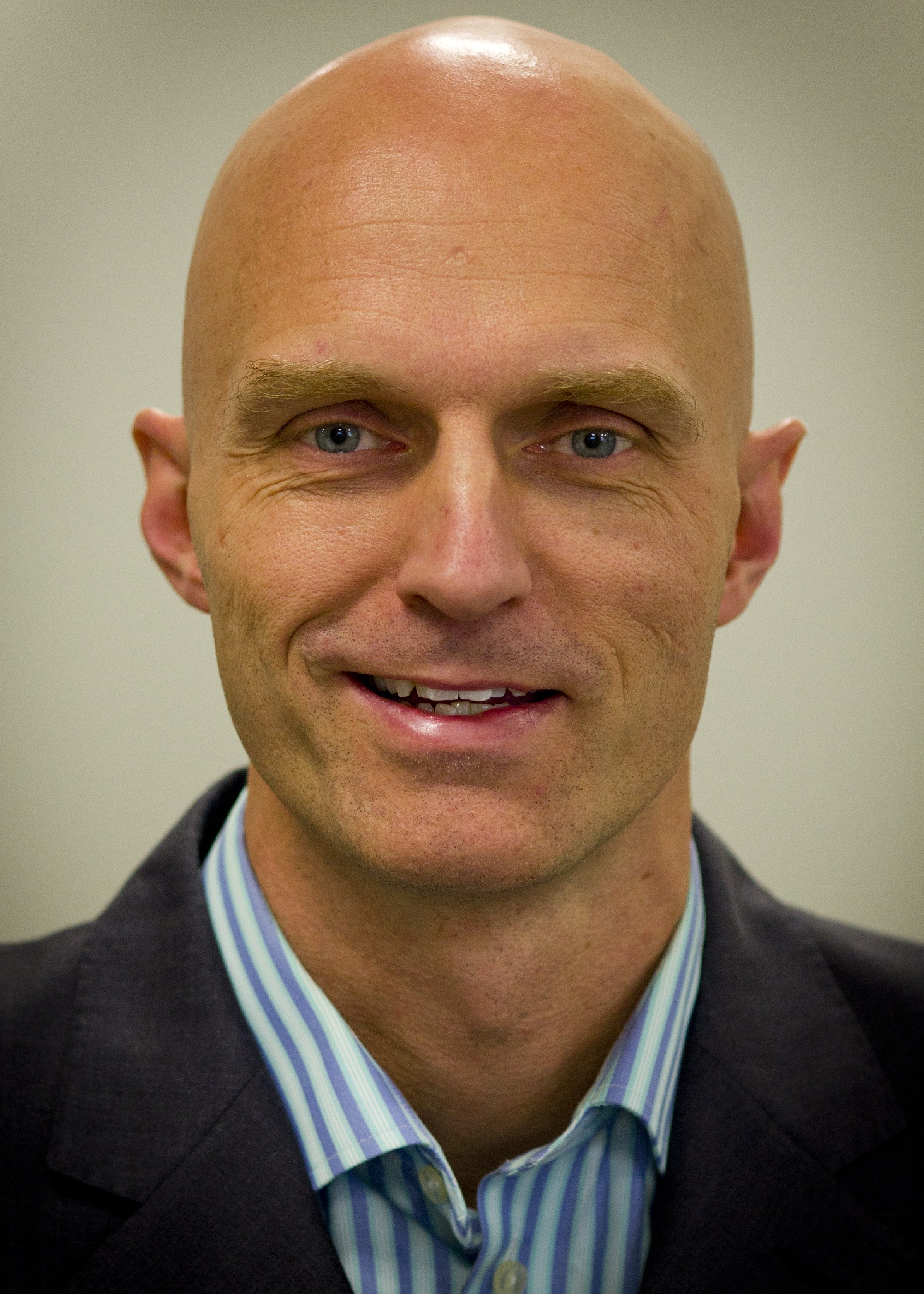
Soren Frederiksen
Soren didn't buy a curriculum. He built the tools, then built the course around them.
30+ years in enterprise technology. CTO and co-founder of mindzie, an AI-powered process mining platform. Working with AI since 1995 -- from expert systems to large language models.
Every tool you install in this workshop -- CC Director, CC Tools, the scenarios -- Soren built them. He teaches the course because nobody else knows how the pieces fit together.
The Guarantee
If your AI workstation is not fully operational after the course, I will personally work with you until it is. The Breakfast Club, the Members Chat, and direct access to me -- you have every channel you need to get unstuck. I built these tools. I will make sure they work for you.
The Details
Frequently Asked Questions
Ready to Get Started?
$2,950 CAD per seat. 8 seats per session. When they are full, they are full.
Questions? Email soren@centerconsulting.com
Training provided through Center Consulting Inc.